Squarespace is often considered by teams that want their storefront, website and core selling tools in one environment. Its published pricing and Commerce documentation describes a platform that combines site building, payments, product and service selling, checkout, shipping, tax and marketing-related capabilities. That makes it relevant to UK businesses weighing cost, control, usability and day-to-day operational fit.
This is not a hands-on test or a universal recommendation. Instead, it is a practical buying assessment of what Squarespace says it offers and the questions a growing ecommerce team should answer before committing to a plan.
Squarespace at a Glance
Squarespace positions its plans around building a website, accepting payments, selling products and services, and marketing a brand. Its published comparison also highlights designer templates, a drag-and-drop editor, mobile-optimised websites, SEO tools, customer support and website metrics. For a small team, that combination can be appealing when the priority is to avoid assembling a separate website builder and store from scratch.
The commercial case should still be assessed in context. A polished site editor may matter most to a brand-led retailer with a relatively straightforward catalogue, while a business with more specialised fulfilment, payment or integration needs should validate those requirements in detail. Squarespace’s pricing page shows that feature availability and transaction-fee treatment can vary by plan, so the entry price alone is not a sufficient comparison point.
A sensible first question is therefore not simply whether Squarespace is “good”. It is whether its documented range matches the work your team needs to do: create and manage the site, present products or services, take payment, configure delivery and tax settings, and support the customer journey you intend to run.
What Squarespace Includes for Ecommerce
 Squarespace’s published plan comparison describes fully integrated ecommerce, the ability to sell unlimited products and services, checkout on your own domain, gift cards, invoices and project management, discounts, payment plans, and sales through pay links. It also lists capabilities for courses, blogs, videos, memberships and subscriptions. The exact availability of an item should be checked against the current plan comparison before purchase.
Its Commerce Help Centre gives a useful view of the underlying selling categories. It includes guidance for physical products, download products, service products and subscription products, as well as classes, workshops, appointment-based services, creative services and content or memberships. That breadth could be useful if your offer mixes conventional goods with booked or recurring services, but it does not remove the need to test your specific workflow.
The operational areas are similarly broad. Squarespace documents product variants and images, store setup, shipping methods and rates, handling fees, flat-rate and weight-based shipping, carrier-calculated shipping, tax collection and VAT or GST guidance. Its payment documentation covers payment methods, connecting a payment processor, payment plans for service products, in-person selling options and mobile payment tools. Checkout guidance includes customisation, custom checkout forms, limited releases and troubleshooting.
For a growing merchant, the features most worth checking are usually the ones that sit closest to revenue and fulfilment: how your catalogue is structured, which payment methods are available to your business, how shipping rates are calculated, whether tax handling fits your obligations, and whether checkout controls support the promotion or release model you use. Squarespace also lists abandoned-cart recovery, Facebook and Instagram promotion, Google Shopping display options and product waitlists among its documented commerce and marketing tools.
Where Squarespace May Work Well
Squarespace may suit a team that wants a single platform for a public-facing website and an online store. Its published feature list combines templates and drag-and-drop editing with payments, ecommerce, SEO tools, mobile optimisation and basic website metrics. For a founder-led or small ecommerce operation, that could reduce the number of separate tools involved in launching a branded site and beginning to sell.
The platform may also be worth shortlisting where the business sells more than a standard physical catalogue. Squarespace’s Commerce documentation covers physical, digital, service and subscription products, while its pricing information refers to courses, memberships, invoices, projects and payment plans. A merchant selling products alongside services or recurring access may find it useful to compare those published capabilities within one plan family rather than assume a separate commerce product is required.
There are practical advantages to keeping site presentation and checkout close together. Squarespace lists checkout on your domain, discounts, gift cards, abandoned-cart recovery and product promotion channels among its commerce features. Its Help Centre also documents product setup, shipping and delivery, taxes and accounting, payments, marketing and checkout. These are signs of documented operational coverage, not proof that every workflow will be equally simple for every retailer.
The strongest fit is likely to be a team whose priorities are a coherent branded site, an understandable store setup and broadly integrated selling tools. Before relying on that fit, build a representative test case: a typical product or service, your preferred payment route, one realistic shipping rule, your tax approach and the checkout journey your customers will use. That converts a feature list into a decision based on your own operating model.
Costs, Limits, and Operational Checks
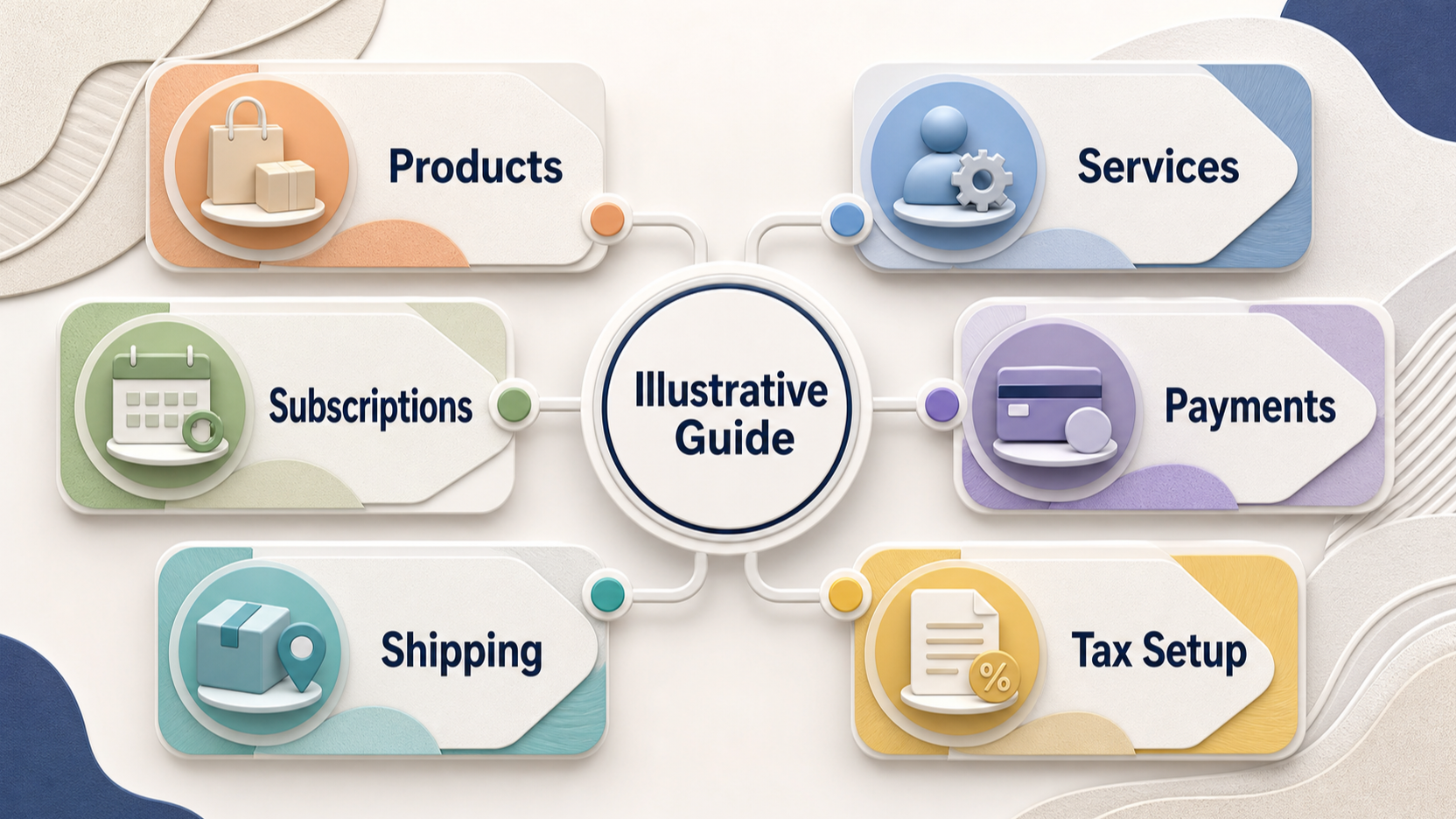
AI-generated generic editorial illustration — not a retailer product photo and does not depict the reviewed product or service. Help readers translate the published feature set into pre-purchase validation questions.
 Cost comparison needs to go beyond the monthly headline. Squarespace says annual payment can save up to 36%, but buyers should compare the plan they expect to use on the same payment cadence as competing platforms. The pricing page also shows plan-dependent online-store transaction fees: 2% on one listed plan and 0% on the higher listed commerce plans. It separately lists transaction-fee percentages for digital content and memberships, again varying by plan.
Automated global tax-rate calculations are another published charge to examine. Squarespace lists a percentage fee capped per transaction, with the rate varying across plans. That does not tell a UK business which tax configuration it should choose; it means the business should understand whether it will use automated rates, manual rates or another documented approach, and price that choice into its comparison.
Feature access is also plan-specific. The published comparison places some tools, such as advanced code features, premium integrations and blocks, advanced advertising-related capabilities and certain commerce functions, in different parts of the plan range. A buyer should not assume that a feature appearing anywhere on the page is included in the plan under consideration.
Use the pre-purchase check as an operational exercise. Confirm the payment methods and processor connection options that apply to your business; model transaction and tax-related charges; set up a representative shipping scenario; check how product variants, subscriptions or service payment plans work for your offer; and review the checkout controls you need. If integrations, specialised fulfilment processes, wholesale workflows or a complex catalogue are important, validate them directly against the current Squarespace documentation and plan details before migration or launch.
Who Should Consider Squarespace
Squarespace is worth considering for UK ecommerce teams that place high value on an integrated website-and-store setup. Its published materials describe a combination of templates, drag-and-drop editing, mobile optimisation, commerce, payments, shipping, tax and checkout tools. That may make it a credible shortlist candidate for a business that wants to bring a branded site and core selling activity together.
It may be particularly relevant where a merchant sells physical goods, downloads, services, subscriptions, workshops or content and memberships. The appropriate plan is not determined by product type alone: payment needs, shipping rules, tax handling, checkout requirements and plan-specific fees all affect the decision.
Treat the shortlist stage as a structured validation rather than a feature-counting exercise:
- Map your products and services to Squarespace’s documented product categories.
- Confirm the payment, shipping, tax and checkout setup needed for a normal order.
- Compare the plan-specific transaction-fee and automated-tax-rate charges that apply to your model.
- Check current feature availability for subscriptions, invoicing, payment plans, marketing and any integration-dependent process.
- Run a representative store setup before moving a catalogue or committing to an annual plan.
If those checks produce a clean fit, Squarespace can remain on the shortlist. If your business depends on specialised processes that cannot be clearly validated from the current plan and Commerce documentation, compare platforms on those specific requirements rather than choosing on design or headline price alone.
Frequently Asked Questions
What ecommerce products and services can I sell through Squarespace?
Squarespace’s Commerce Help Centre documents physical products, download products, service products and subscription products. It also includes guidance for classes, workshops, appointment-based services, creative services, and content and memberships. Check the current plan and relevant Commerce guidance for the exact setup that applies to your offer.
Does Squarespace charge transaction fees for online sales?
The published pricing comparison lists an online-store transaction fee of 2% on one plan and 0% on the higher listed commerce plans. It also lists separate digital content and memberships transaction fees that vary by plan. Squarespace’s current pricing page should be checked before purchase because fee treatment depends on the selected plan.
Which Squarespace plan should a growing ecommerce business compare first?
Start with the plan that covers your required selling model, then compare its fee treatment and feature availability with the higher commerce options. Use a representative product, payment method, shipping rule, tax setup and checkout flow to determine whether the plan supports your operation. The right comparison is the current plan detail for your needs, not a generic recommendation.
Sources
Related reading
- Best E-commerce Tools: evidence-led top choices
- Shopify review: strengths, limits, and alternatives
- Wix review: practical buying assessment
- How E-commerce Tools should fit, feel, and perform
Editorial information: About our editorial team · Read our editorial policy · Read our affiliate disclosure.