Choosing an e-commerce platform is less about finding a universal winner and more about choosing an operating model your team can sustain. For UK retailers, that means weighing recurring costs, day-to-day control, sales channels, integrations and the capacity to maintain the store as it grows.
How We Evaluated E-commerce Platforms
A sensible comparison starts with total operating fit, not the headline monthly price. A low starting price can be less useful if it creates more work around store changes, sales channels or the tools your team needs to run the business. Equally, a more managed service may be worthwhile when it removes operational burden that a small team would otherwise carry.
We used the supplied independent comparison to frame the kinds of platform routes a retailer may need to consider: WordPress-led stores, platforms that prioritise fewer limits, options for larger businesses, physical-store sellers, small businesses, design-led teams and beginners. That is a useful starting point for a shortlist, but not a substitute for checking whether a particular plan fits your catalogue, processes and budget.
For Shopify-specific capabilities and UK plan information, we rely on Shopify’s own pricing material. Before paying for any platform, confirm current UK pricing, payment terms, taxes and included features directly with the provider.
Our Verdict: Start With the Platform That Matches Your Operating Model
For a UK team that wants to launch without assembling and maintaining a highly customised commerce stack, a managed platform is often the most straightforward starting direction. Shopify is a strong candidate when the priority is bringing online, in-person and multichannel selling into one operating environment, with plan tiers that can add staff capacity and international features as needs change.
That is not a universal recommendation. A WordPress-led business, a team that needs more direct control over how its store is built, or a retailer with unusual operational requirements may be better served by a different route. The right choice depends on where your team wants responsibility to sit: with the platform’s conventions and tools, or with your own technical and operational setup.
Use the verdict as a filter. Choose a managed route when simplicity and channel consolidation matter most; investigate a control-led route when flexibility is the requirement you cannot compromise.
Shortlist: E-commerce Platforms to Compare
Build your shortlist around the operating question you need answered, rather than around a generic league table.
Managed all-rounder. This route suits teams that want a hosted platform to handle the core commerce environment while they focus on merchandising, marketing and fulfilment. It is a practical starting point for a retailer that expects to sell through more than one channel and values a more standardised setup.
WordPress-led route. The independent comparison identifies a distinct path for retailers whose business already centres on WordPress. This route deserves attention when content, existing WordPress workflows or closer control of the site environment are central to the decision.
Control-first route. Some retailers will prioritise fewer platform limits over a tightly managed experience. Put this path on the shortlist if your team has the capability to own more decisions about the store’s structure, integrations and ongoing maintenance.
Context-specific route. The supplied comparison also separates routes for larger businesses, physical stores, design-focused teams, small businesses and beginners. These categories are useful prompts: a physical retailer should test shop-floor and online workflows; a first-time founder should test setup and support; a design-led brand should test whether the storefront can express the brand without excessive work.
The aim is not to choose from eight labels. It is to reduce the field to two or three platforms that can support your actual sales model.
Shopify: Strong Fit for Teams That Want a Managed Commerce Operation
 Shopify’s UK pricing page positions its plans for solo entrepreneurs, small teams, global reach and complex businesses. Its Basic plan is presented for solo entrepreneurs; Grow adds up to five staff accounts; Advanced adds up to 15 staff accounts, live third-party shipping rates and the ability to tailor a store by region; Plus is positioned for complex businesses and includes unlimited staff accounts, a fully customisable checkout, up to 200 POS Pro locations and unlimited B2B catalogues.
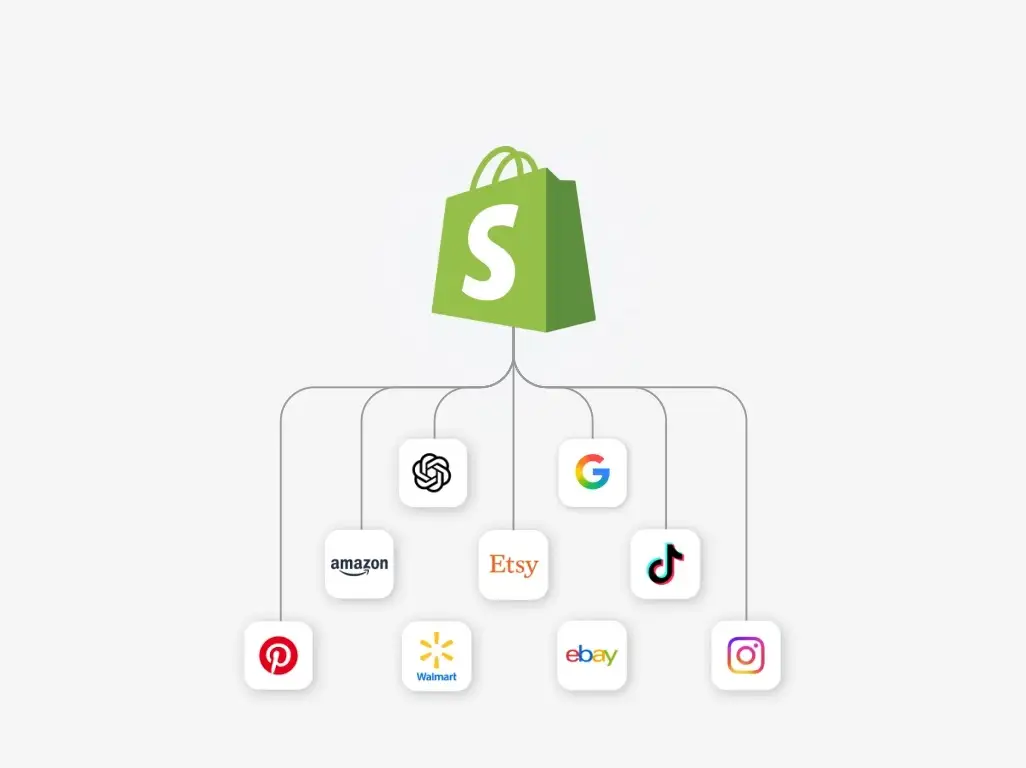
The operational appeal is clear for a retailer that wants one platform across selling contexts. Shopify lists online selling, in-person selling and AI chats on its plans, and describes multichannel integration as a way to appear where shoppers browse and search. It also offers a POS Pro add-on for physical storefronts.
This makes Shopify worth serious consideration when consolidating channels and avoiding a fragmented commerce operation matter more than maximising bespoke control. The case is strongest when your team can work productively within a managed platform’s plan structure and feature conventions.
Limitations to Test Before You Commit
A hosted platform is not automatically the lowest-cost or least-complex option over time. Treat the plan price, card rates, paid add-ons and any extra applications or custom work as parts of one operating cost model. Shopify’s pricing page, for example, lists card rates from 2% + 25p GBP on Basic, 1.7% + 25p on Grow, 1.5% + 25p on Advanced and 1.3% + 25p on Plus; check the current terms that apply to your business before deciding.
Also test how much control you need. A managed platform can speed up routine work, but it asks your team to work within its product model. If a workflow depends on unusual catalogue rules, checkout behaviour, reporting, integrations or internal approval steps, establish whether the relevant plan and supported setup can handle it before migrating.
Finally, test the likely next stage, not only launch day. A platform that fits a one-person operation may need a different tier once staff access, regional selling, physical locations or B2B requirements become material.
Alternatives: Choose a Different Route When Control or Context Comes First
Choose a WordPress-based route when your store is closely tied to an existing WordPress publishing operation and your team is prepared to make the hosting, maintenance and integration decisions that come with that context. It can be the more coherent path when the website, rather than the commerce platform, is the centre of your operating model.
Choose a control-first route when platform limits are a greater concern than having a standardised managed environment. This is not necessarily simpler; it shifts more responsibility to your team or technical partners. That responsibility can be justified when the business has requirements that are difficult to express within a hosted platform’s normal conventions.
For larger businesses, physical-store operators, design-led brands, small businesses and beginners, treat the independent comparison’s categories as prompts for targeted tests. A retailer with shops should rehearse inventory, collection and counter workflows. A design-led team should build representative pages. A beginner should test whether ordinary product, order and promotional tasks are manageable without relying on unsupported assumptions.
The alternative is not “better” in the abstract. It is better only when its responsibilities and freedoms match your team’s capabilities.
A Practical Selection Checklist for UK Retailers
Use this sequence before committing:
- Map your catalogue and channels. List product complexity, variants, subscriptions or wholesale needs, and every place you expect to sell: website, shop floor, marketplaces, social channels or assisted conversations.
- Assess team capacity. Decide who will make store changes, resolve issues, manage integrations and maintain the setup after launch.
- Model the full cost. Compare plan price, card rates, POS or other add-ons, applications, implementation work and likely upgrade points.
- Test critical integrations. Rehearse the systems that affect orders, fulfilment, accounting, stock and customer service.
- Test growth conditions. If you may add staff, regions, physical locations or B2B selling, test the relevant plan scope now.
- Run a bounded proof. Build a small representative catalogue and complete the key customer and staff workflows before signing a longer commitment.
Verify current UK pricing, payment terms and plan inclusions on official provider pages immediately before purchase. Those details can change, and they should be checked against your own trading model.
Frequently Asked Questions
Which e-commerce platform is easiest for a new UK retailer to start with?
A managed platform is usually the most sensible route to investigate first when a new team wants a more standardised commerce setup. Test it with your own catalogue and workflows before treating it as the easiest choice for your business.
Should I choose a hosted platform or a WordPress-based store?
Choose hosted when reducing operational setup and consolidating sales channels are the priorities. Choose a WordPress-based route when WordPress is central to your business and you need the control that comes with owning more of the environment.
What costs should I check beyond the monthly plan price?
Check card rates, add-ons, applications, implementation, integrations, maintenance and the cost of moving to a larger plan. Shopify’s listed UK card rates vary by plan, so confirm the currently applicable terms before committing.
Can one platform support both online and in-person selling as the business grows?
Some can. Shopify lists online and in-person selling, multichannel integration and a POS Pro add-on, while higher tiers add features such as more staff accounts and region tailoring. Confirm that the plan and POS setup meet your actual store operations.
Sources
Related reading
- Shopify vs WooCommerce: which is the better fit
- Shopify review: strengths, limits, and alternatives
- WooCommerce review: who it suits and who should skip it
- How to choose E-commerce Tools for your needs
Editorial information: About our editorial team · Read our editorial policy · Read our affiliate disclosure.