A platform promotion is useful only when it improves the economics of the store you are actually building. For UK teams, that means looking beyond the first discounted bill and weighing payment costs, setup work, feature needs and the flexibility required as sales grow.
What Counts as a Genuine Ecommerce Platform Deal?
A genuine ecommerce platform deal is not simply the largest percentage discount. It is an offer that lowers your likely total cost while still giving your team the control, usability and operational support needed to run the shop well.
Start with the job the platform must do. A simple catalogue with a small team may value quick setup and predictable administration. A growing store with more specialised needs may value flexibility, ownership of the technical stack or the ability to choose services separately. Neither approach is automatically cheaper; the better deal is the one that fits the way you sell.
Headline prices can be especially misleading when they apply only to an introductory period. A useful comparison identifies what changes after that period, which features are included at each plan level, and which costs scale as orders increase. It should also account for the time your team will spend configuring, maintaining and changing the store.
Use platform discounts as one input, not the decision itself. Compare the full commercial commitment against a clear sales scenario, then ask whether the resulting setup is still workable at renewal and as your requirements change.
Calculate Total Cost Before You Compare Discounts
Build a cost sheet before comparing offers. Put the discounted plan price on it, but do not stop there. Add the costs that can recur, vary with sales, or appear when the store needs functionality beyond the core plan.
Useful categories include:
- Platform subscription during the offer period and at renewal
- Payment processing for the cards and payment methods your customers use
- Any separate transaction charges tied to the plan or selling model
- Hosting, where you choose or manage it separately
- Paid extensions, themes, integrations and subscription tools
- Setup, migration, design, implementation and ongoing maintenance
Then separate fixed costs from sales-linked costs. A low monthly price can look compelling at launch but become less important if a meaningful share of every order is paid in processing or transaction charges. Conversely, a higher fixed plan can be sensible if it includes features or fee treatment that remove costs you would otherwise add elsewhere.
Run the comparison twice: once for the first year, including the promotion and setup, and once for the renewal period. Record assumptions such as monthly orders, average order value, customer payment mix and the features you expect to need. This makes it easier to revisit the decision when forecasts or supplier terms change.
Check Payment Processing and Transaction Fees Separately
Payment processing and platform transaction fees are related costs, but they are not the same thing. Treat them as separate lines in your comparison rather than assuming a discount on a website plan settles both.
Squarespace explains that payment processing rates are charged on every purchase, while transaction fees depend on the billing plan and what is being sold. It also notes that the payment solution used determines processing rates, and that rates can vary by plan and the country where the business operates. Squarespace’s fee guidance is a useful reminder to read the relevant current terms rather than rely on a generic fee figure.
Before committing, confirm:
- The payment solution you will connect
- Your intended billing plan and product or service model
- The card and payment-method mix you expect customers to use
- UK or market-specific rates and any applicable surcharges
- Whether a separate transaction fee applies in addition to processing
Estimate these charges against your own sales volume. A plan discount may reduce an upfront bill, while per-sale costs continue for every eligible transaction. Checking both parts of the fee structure makes the offer easier to assess on its real operating economics.
Assess the Value of Flexible and Open-Source Pricing
A flexible, open-source model can be attractive when a merchant needs control over where money is spent and has the capacity to manage more choices. WooCommerce describes its core platform as free to download and use, with no monthly core subscription, platform fees or revenue share; merchants choose their payment processor, hosting provider and extensions. WooCommerce pricing presents this as a model where spending can be directed toward the services a store actually needs.
That can make long-term value stronger for a team that wants to select its own host, add features gradually or avoid a platform revenue share. It can also suit a business whose technical requirements do not fit neatly into a hosted plan tier.
However, flexibility is not a universal saving. The merchant still needs to choose, pay for and operate the surrounding services. The right question is whether that control is useful enough for your team to manage the resulting decisions. If it is, an open-source core may offer a more adaptable cost structure; if it is not, the simplicity of a bundled platform may be worth more.
Include Setup, Extensions, and Maintenance in the Deal
Do not interpret a free core platform as a zero-cost store. WooCommerce explicitly separates the free core from merchant-selected spending on payment processing, hosting and extensions. That structure can be transparent, but it also means the store budget must include the choices made around the core platform.
Apply the same discipline to every platform. Ask what is included at the required plan level and what requires a paid app, integration, developer work or an ongoing service. Budget for implementation and for the routine maintenance needed to keep the store useful as products, promotions, payment methods and operational processes evolve.
A lower entry price can therefore be expensive in practice if it leaves important requirements unresolved. Equally, paying for a feature that your team will never use is not value. List the capabilities you need at launch, those likely within the next year, and the work needed to support them. This turns a vague “extras” allowance into a practical comparison.
Compare Deals Using Your Own Sales Scenario
AI-generated generic editorial illustration — not a retailer product photo and does not depict the reviewed product or service. Make the scenario-based total-cost comparison method immediately scannable.
 Use one consistent scenario for every offer. Start with a realistic monthly order volume, average order value, payment mix, required features and the capacity your team has for setup and maintenance. Keep these assumptions identical while you compare platforms; otherwise the result is not comparable.
For each option, calculate:
- First-year plan cost, including the promotion and any setup or migration work.
- Estimated processing charges for the selected payment solution and customer payment mix.
- Any plan- or selling-model-dependent transaction charges.
- Hosting, extensions and integrations required to meet the same feature brief.
- The renewal-period total once introductory pricing no longer applies.
This approach matters because the supplied official guidance describes different cost structures. Squarespace distinguishes recurring payment processing from plan- and selling-dependent transaction fees. WooCommerce separates its free core and no-revenue-share model from costs chosen for payment processing, hosting and extensions. Those are not directly interchangeable price tags, so compare them only after translating each into the same sales scenario.
Keep a notes column beside each figure. State the source term, the assumption behind the calculation and anything that needs confirmation. If a platform has a lower first-year total but a materially higher renewal estimate, flag that explicitly. The best deal is usually the one whose cost and workload remain acceptable under your plausible growth case, not just your launch-month case.
Use a Final Checklist Before You Commit
AI-generated generic editorial illustration — not a retailer product photo and does not depict the reviewed product or service. Reinforce the final screen readers should apply before committing to an offer.
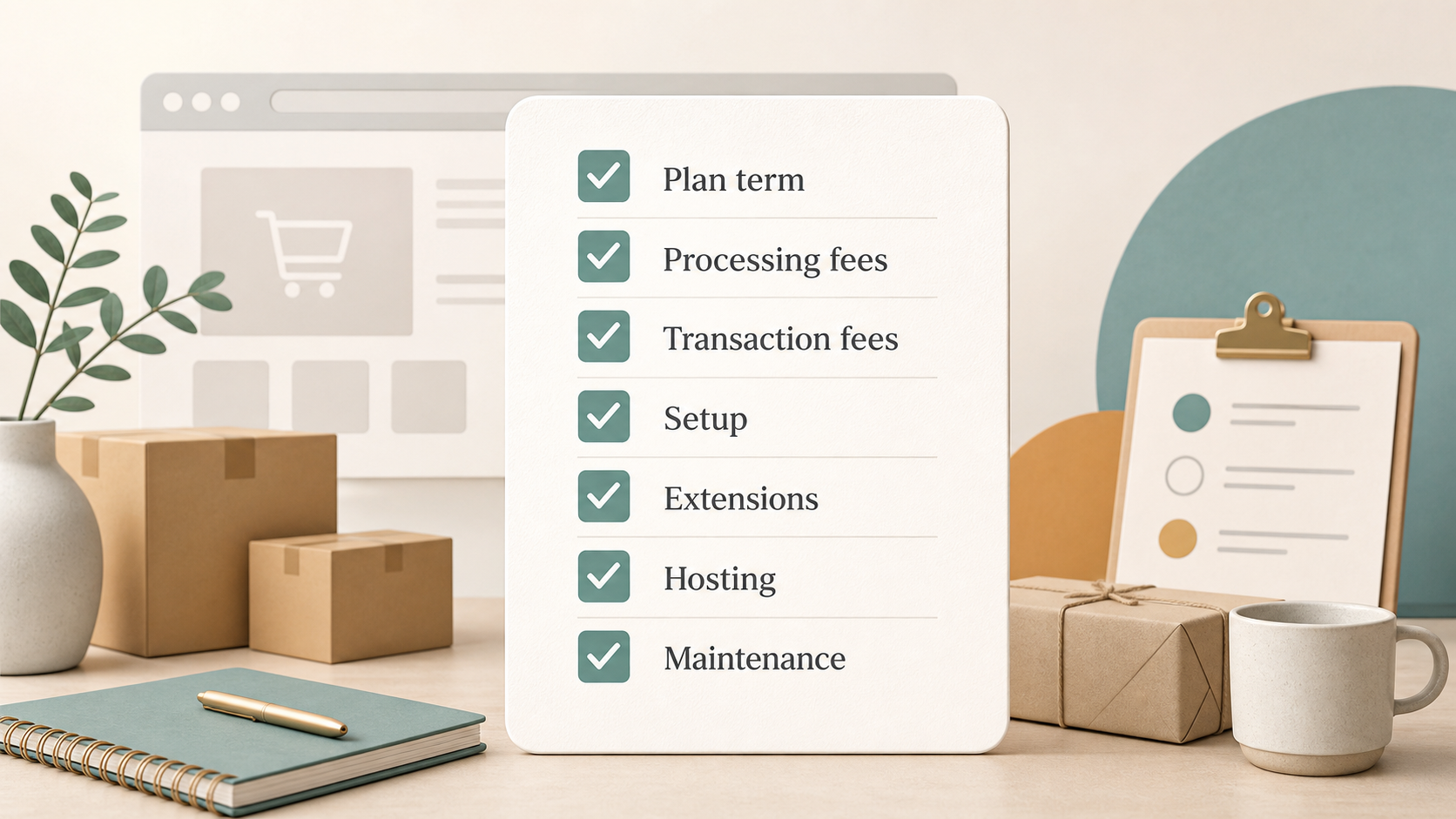 Before accepting a promotion, save the offer terms and review the decision with the people who will run the store. A short written checklist reduces the chance that an attractive introductory price hides an important assumption.
Confirm the following:
- Promotion length, eligibility, billing commitment and renewal price
- Required plan level, feature limits and any product or selling-model restrictions
- Payment solution, processing rates and market-specific terms
- Whether separate transaction fees apply to your plan and what you sell
- Hosting, extensions, integrations and implementation work needed for launch
- Ongoing maintenance responsibility and likely support needs
- Migration, cancellation or exit costs if the arrangement no longer fits
Record your sales scenario alongside the checklist: expected orders, average order value, payment mix, required features and team capacity. Recalculate the first-year and renewal totals before you commit.
Finally, check current official terms directly. Squarespace’s guidance shows that processing rates and transaction fees can depend on distinct factors, while WooCommerce’s pricing model makes clear that a free core still sits alongside selected services. The offer is viable only if those details match your recorded assumptions.
Before you choose, compare each offer against your own first-year and renewal scenario.
Frequently Asked Questions
Are introductory ecommerce platform discounts usually the cheapest option over time?
Not necessarily. An introductory discount can reduce the first bill, but the longer-term answer depends on renewal pricing, feature needs, payment processing, possible transaction charges and operating costs. Compare the promotion period and renewal period separately using the same sales assumptions.
Should payment processing fees matter more than the monthly platform price?
Their importance depends on your sales volume and payment mix. Squarespace states that payment processing is charged on every purchase, while transaction fees can depend on the plan and what is sold. For a store with regular sales, model both alongside the monthly plan price rather than ranking one cost category in isolation.
Does a free ecommerce platform mean the store will cost nothing to run?
No. WooCommerce says its core platform is free, but merchants choose where to invest in payment processing, hosting and extensions. Setup and maintenance should also be budgeted. A free core can be valuable, but it is not the same as a cost-free operation.
How can a growing UK store compare platform offers without relying on headline discounts?
Create one realistic scenario with expected orders, average order value, payment mix, required features and team capacity. Apply it consistently to every offer, calculate first-year and renewal totals, and record which terms still need verification. This produces a decision based on likely total value rather than an isolated promotional price.
Related reading
- Best E-commerce Tools: evidence-led top choices
- How to choose E-commerce Tools for your needs
- How E-commerce Tools should fit, feel, and perform
- When to buy E-commerce Tools for better value
Editorial information: About our editorial team · Read our editorial policy · Read our affiliate disclosure.