Choosing an ecommerce platform is rarely just a question of finding the lowest monthly price. The better decision is to commit when your team can prove that the platform supports the work you actually need to do: building the store, taking payments, managing products, serving customers and preparing for a busy trading period.
Start with the timing decision
Buy or migrate when there is enough certainty to make implementation time useful, but before a hard launch date turns every decision into an emergency. For a new store, that can mean choosing a platform once the product range, payment approach and fulfilment basics are clear. For an established business, it may mean acting once the current setup is constraining operations more than a migration would disrupt them.
Timing changes value because a subscription begins before the store is fully benefiting from it. Starting too early can create idle spend; starting too late can force rushed configuration, incomplete content and weak testing. A good window gives the team time to set up the catalogue, checkout, delivery rules, customer communications and reporting without doing all of that under peak-season pressure.
Treat the decision as an operating commitment rather than a software purchase. Your next step should be to list the workflows the platform must support and compare them against current UK plan terms.
Buy before a launch window, not during one
A platform purchase is most useful when it creates a protected implementation period ahead of a meaningful business event. That event might be a first store launch, a new product line, an in-person selling programme, an overseas expansion or a seasonal sales period. The precise lead time depends on catalogue complexity and who owns the work, but the principle is consistent: leave room to configure, test and correct.
Use that period to load representative products rather than placeholder inventory. Run a real checkout, confirm payment and tax settings, test order notifications, check how staff will handle fulfilment and rehearse customer-service questions. If you sell through more than one channel, include those channels in the test. A platform that looks simple in a demo can still create friction when stock, discounts, delivery promises and customer records meet day-to-day work.
Avoid treating a launch deadline as the date to begin evaluating tools. By then, the team may be selecting on speed alone and accepting a plan that does not fit its payment, staffing or regional-selling needs. A short, deliberate comparison before the critical window usually produces more useful evidence and a calmer launch.
Use annual billing only after validating fit
Annual billing can improve value when your team has confidence in the platform and expects to keep using the chosen plan through the year. It is less attractive when the product range, sales model, team structure or implementation ownership is still unsettled. In that case, monthly billing can be the cost of learning rather than wasted spend.
Squarespace states that its pricing page offers a 14-day free period and that paying annually can save up to 36%. That makes annual-versus-monthly comparison worth doing, but it is not a reason to commit before you have tested fit. The published saving is an upper-bound marketing statement, not a guarantee that every plan, add-on or business situation will create the same result.
Shopify’s UK pricing page presents yearly payment as a comparison option. Before using that option in a budget, confirm the current price, billing conditions and any plan-specific terms for the UK. Do not assume that another platform’s annual saving applies to Shopify, or that a displayed price includes every operational cost your store will incur.
A practical sequence is to test first, capture the results and then model a full year of expected use. Commit annually only if the team can name the workflows it has validated, the plan it needs and the reason a change within the year is unlikely.
Compare the costs that sit behind the plan price
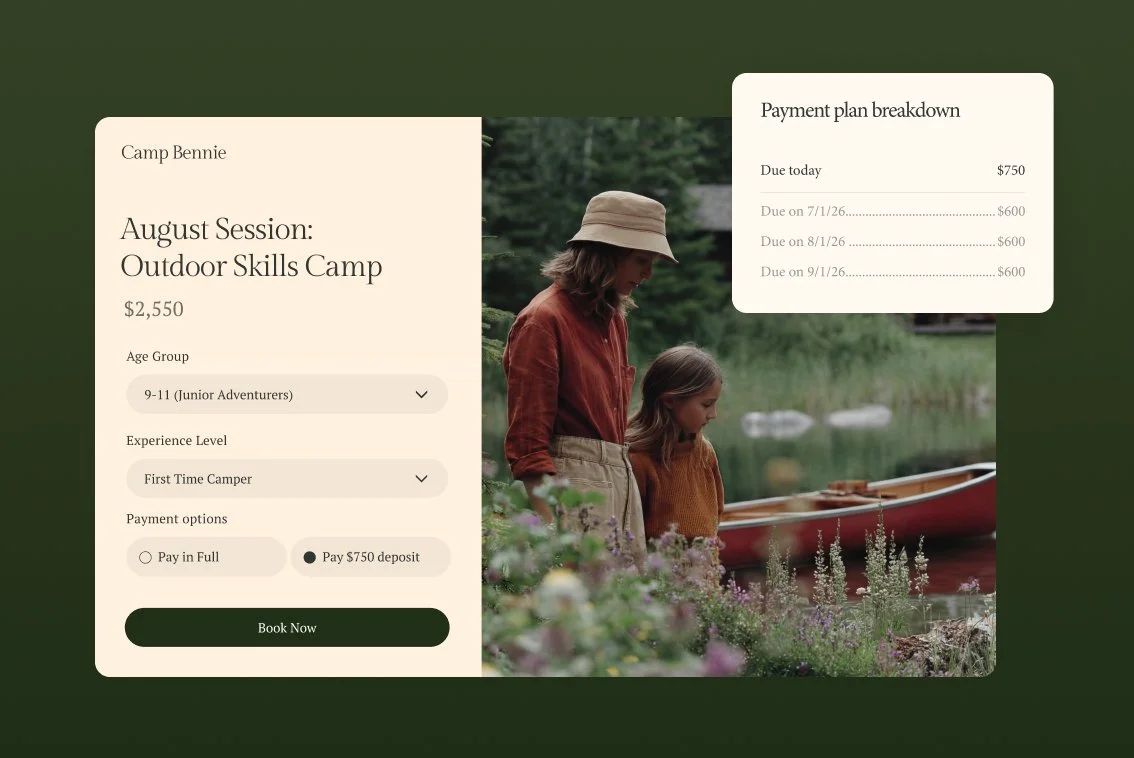 The subscription price is only one part of platform cost. Compare the capabilities you need alongside payment fees, transaction fees, staff access, shipping requirements, regional needs and the work needed to configure or migrate the store. A lower entry price can become poor value if it leaves a core workflow unsupported or adds charges that materially change the economics of selling.
Squarespace’s published comparison shows that transaction-fee treatment varies by plan. It lists a 2% online-store transaction fee on one plan and 0% on the higher plans shown; its digital-content and memberships transaction fee is also listed as varying from 7% to 0% across the range. Those figures illustrate why you should calculate likely costs against your own mix of physical products, digital goods and memberships, then re-check the live pricing page before purchase.
Shopify’s UK page likewise shows that plan progression is about more than subscription level. It lists card rates starting from 2% + 25p for Basic, 1.7% + 25p for Grow, 1.5% + 25p for Advanced and 1.3% + 25p for Plus. It also distinguishes staff-account allowances, third-party shipping rates, regional store tailoring, checkout customisation and B2B capabilities. These are plan terms to verify, not a universal recommendation to upgrade.
Build a comparison sheet with four columns: recurring plan cost, per-sale costs, essential capabilities and one-off implementation work. Add expected order volume and average order value, then test a conservative and a busy-month scenario. This does not predict the future perfectly, but it exposes where a plan choice depends on assumptions that should be proved before you commit.
Turn a trial into a decision sprint
A trial is valuable only if it tests a realistic slice of the business. Squarespace advertises a 14-day free period, but do not assume every platform offers an equivalent trial or that two weeks is enough for every team. Use the available period to answer specific questions and record the result while it is fresh.
Start with a representative catalogue: a typical product, a variant or bundle if relevant, images, prices, delivery information and a discount. Then test the customer path from product discovery to checkout and order confirmation. On the operating side, test how the team will update stock, process an order, manage refunds or enquiries, set delivery options and give appropriate access to colleagues.
Give each test a simple outcome: works as required, works with a workaround, needs a paid feature, or does not fit. Record the plan tested, any settings used and the unresolved questions. This turns a trial from a browsing exercise into evidence for a billing decision.
Do not move straight from a successful storefront preview to an annual commitment. First review whether the payment, fulfilment and team workflows held up, whether a higher plan was required and whether the implementation work fits the available launch window.
Time a migration around operational capacity
For an established store, the right migration date is usually the point where the cost of staying put exceeds the risk of moving—while the team still has capacity to make the move carefully. A migration during a high-volume period can put catalogue accuracy, customer communications, delivery updates and reporting under unnecessary strain.
Map the work before choosing the date. Include product and customer data, redirects and search visibility checks, payment configuration, tax and delivery rules, analytics, app or integration dependencies, staff training and a rollback or contingency path. Then identify the people who will own each task. A technically available platform is not a low-risk migration if the people needed to validate it are committed to daily trading work.
Choose a quieter operating window where you can run parallel checks and leave time for post-launch fixes. If a major sales period is approaching, the safer answer may be to stabilise the current store, prepare the migration in the background and move after the peak. If the existing platform is already blocking essential revenue or operational work, define the smallest safe migration scope and protect time for testing.
The goal is not a perfect date. It is a date supported by a clear owner, realistic capacity and a tested plan for what happens if a customer-facing workflow fails.
Choose the commitment level that matches your certainty
 Use a staged purchase path. First, define non-negotiable requirements: products, payments, fulfilment, team access, selling regions and channels. Second, test those workflows on a representative setup. Third, model total costs rather than subscription price alone. Fourth, choose a billing cadence. Finally, schedule implementation before the business event the platform must support.
A monthly start is often sensible when the team is still validating product-market fit, testing a new sales channel, changing its catalogue or unsure which plan capabilities it needs. It preserves flexibility while you gather evidence.
An annual commitment is more defensible when the operating model is stable, the required workflows have been proven, the team has capacity to implement properly and the current local plan terms produce a meaningful saving. Shopify’s plan range—from solo-use Basic through small-team Grow and globally oriented Advanced to complex-business Plus—shows why certainty about future needs matters as much as today’s checkout.
Before paying, re-check UK pricing, card rates, transaction-fee treatment, feature limits and billing terms on the official pages. Platform terms can change, and the right plan is conditional on your actual business model.
[Compare your required workflows and full platform costs before choosing a billing commitment.]
Frequently Asked Questions
Is it cheaper to start monthly and switch to annual billing later?
It can be cheaper in total to begin monthly if doing so prevents an unsuitable annual commitment. Once you have validated the platform, compare the current annual and monthly terms for the exact plan you need. Squarespace says annual payment can save up to 36%, but the saving should be weighed against the risk that your requirements change. Shopify presents a yearly-payment comparison option; verify its current UK terms before budgeting.
How long should an ecommerce platform trial last before we decide?
Long enough to test a representative catalogue, checkout, payment setup, fulfilment workflow and staff access. Squarespace advertises a 14-day free period, which can support a focused decision sprint, but your required time depends on the complexity of the store. Do not treat a trial length offered by one provider as a promise from another.
Should we migrate an online store before peak season?
Usually only if you have enough capacity to complete the migration, test customer-facing journeys and resolve issues before the peak begins. If the current store is stable, preparing in advance and moving after the busy period may reduce operational risk. If staying put blocks an essential workflow, reduce the migration scope and protect testing time.
Which costs should we check besides the ecommerce platform subscription?
Check card and transaction fees, the plan capabilities required for your staff and selling model, shipping or regional features, integrations and one-off implementation work. Squarespace publishes plan-dependent transaction-fee distinctions, while Shopify publishes plan-dependent card-rate and capability distinctions. Confirm the live UK terms that apply to your chosen plan before you buy.
Sources: Squarespace pricing and Shopify UK pricing.
Related reading
- Best E-commerce Tools: evidence-led top choices
- Shopify review: strengths, limits, and alternatives
- How to choose E-commerce Tools for your needs
- How to identify genuine E-commerce Tools deals
Editorial information: About our editorial team · Read our editorial policy · Read our affiliate disclosure.